
Education
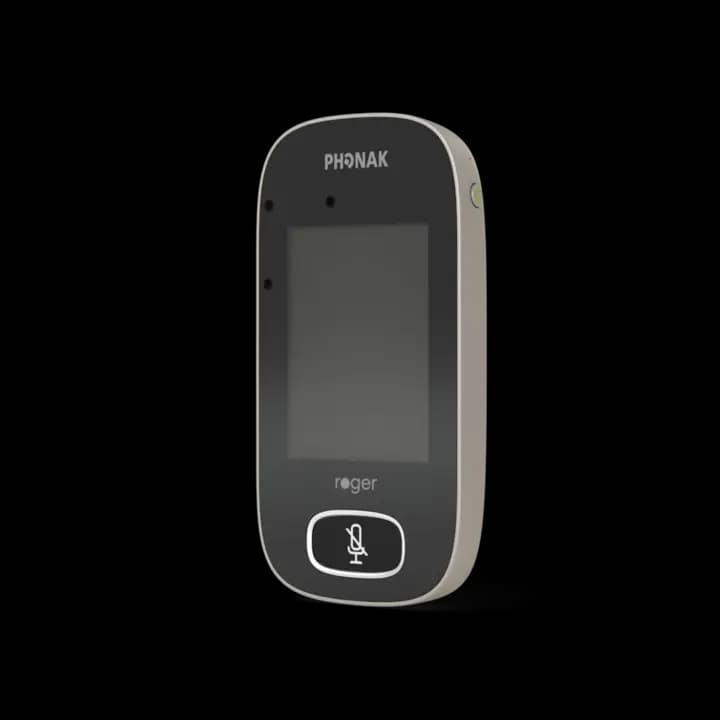
Roger Touchscreen Mic
A teacher microphone built for changing classroom situations, including whole-class teaching and small-group work.
Manufacturer detailsProducts & systems
Roger microphones, receivers and SoundField components can form different systems for different environments. We focus on current equipment, verified compatibility and a setup that makes sense for the people using it.
Current core range
Product descriptions are a starting point, not a recommendation for any individual. Availability, firmware, receivers and compatibility should be confirmed before ordering.
Education
A teacher microphone built for changing classroom situations, including whole-class teaching and small-group work.
Manufacturer details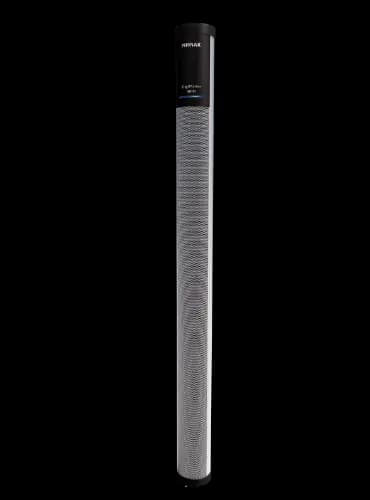
Whole-room sound
A classroom audio system designed to distribute speech evenly and help teachers be heard without raising their voices.
Roger for Education details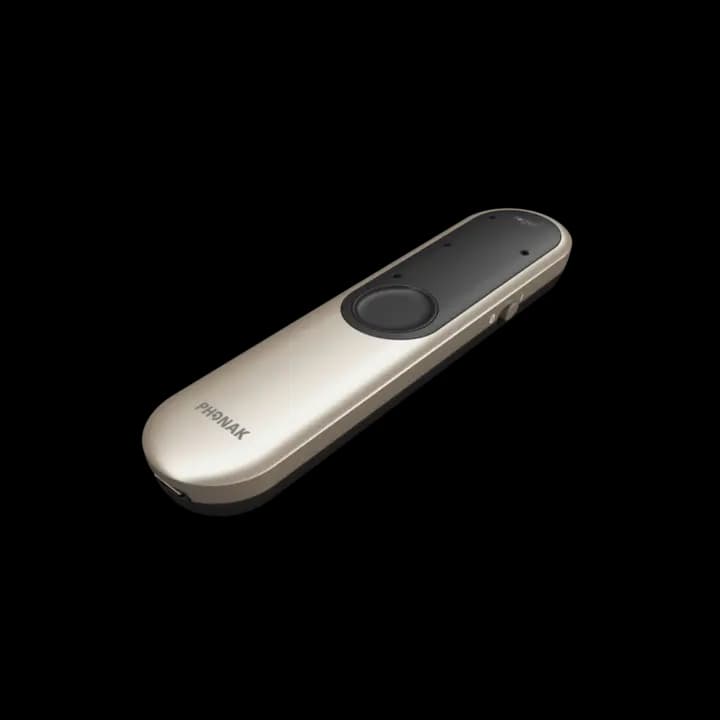
Work and daily life
A versatile remote microphone for conversations where distance, background noise or changing speakers make listening difficult.
Manufacturer details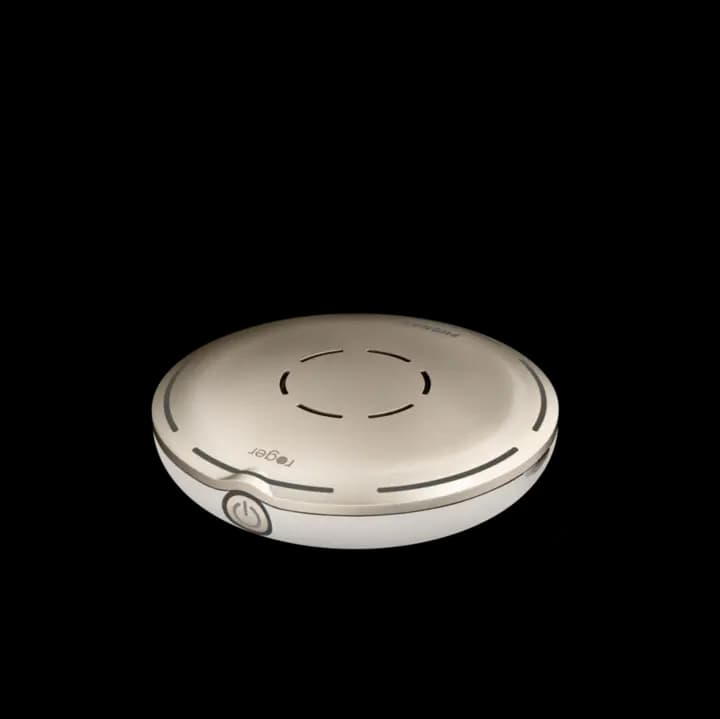
Group conversation
A table microphone that can focus on speech around a group setting and support meetings or social conversation.
Manufacturer detailsMeetings
A workplace-focused table microphone for meetings, presentations and online calls, with options for larger multi-speaker rooms.
Manufacturer detailsBuild the complete pathway
Receivers, personal hearing devices, loudspeakers, multimedia connections and other microphones may determine whether the overall system works as expected.
Confirm the hearing aid, cochlear implant, receiver type, RogerDirect capability and any existing school or workplace equipment.
Decide whether the priority is one speaker, multiple speakers, a whole room, multimedia or a combination across the day.
Configure the network, test the relevant connections and leave users with clear, practical operating guidance.
Existing and legacy equipment
Older systems may still be in active use even when a product is no longer in the current range. We can discuss troubleshooting, accessories, compatibility, servicing and sensible upgrade paths without assuming that everything must be replaced.
Get support for an existing systemModel names, receivers, serial details, charging equipment and connected devices.
Separate a hardware fault from setup, charging, connection or compatibility issues.
Advice, accessory, repair, firmware update, reconfiguration or replacement where justified.
A clear next step
Tell Eoin what is happening now. He’ll help narrow the options and arrange the right next step.