
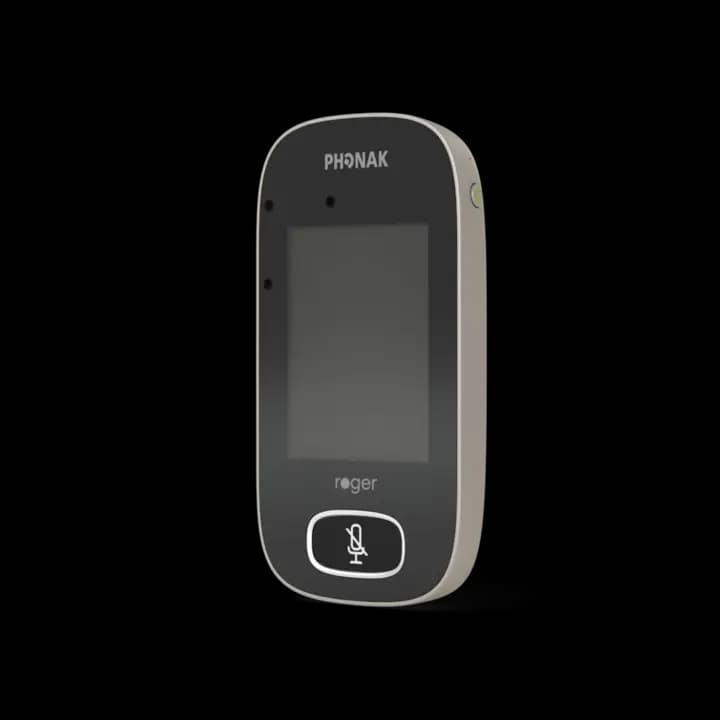
Teacher microphone
Roger Touchscreen Mic
Start-up, charging, muting, receiver connections and automatic microphone positioning.
Open support guideHelp & Support Centre
Choose the equipment that looks like yours. You’ll find safe first checks, short task guides, official Phonak videos and a clear next step if the problem remains.
Use the product photographs—no technical name required.
Fit a fresh battery first, then check power, charging, mute and one connection at a time.
Use verified manufacturer videos and downloads for your model.
Which system looks like yours?
Each page can be saved, printed or opened directly from its classroom QR support card.
Teacher microphone
Start-up, charging, muting, receiver connections and automatic microphone positioning.
Open support guide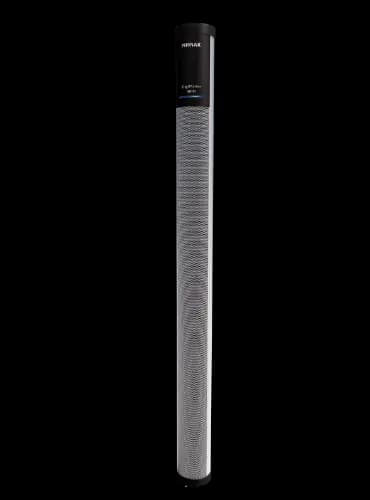
Classroom loudspeaker
Power, microphone connection, placement, volume and classroom audio input checks.
Open support guide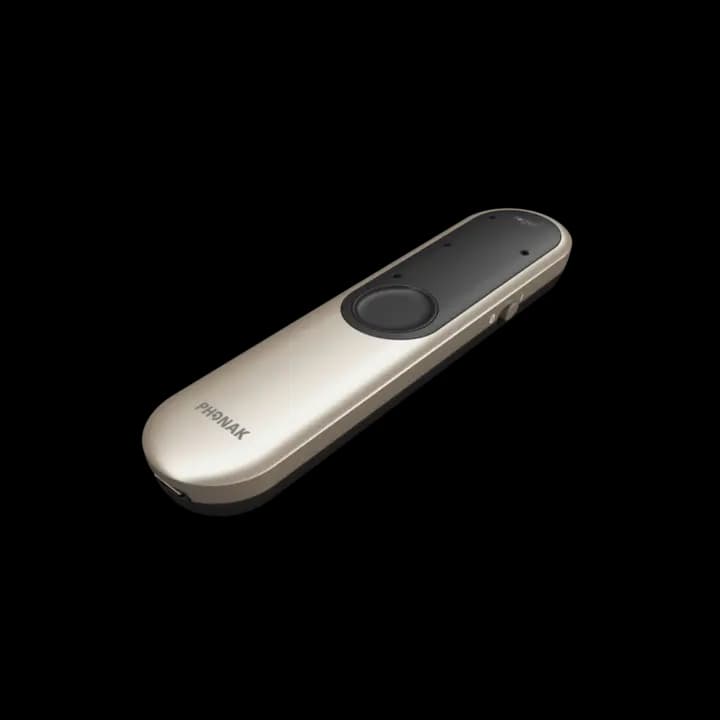
Portable remote microphone
Charging, everyday use, hearing-device connection, calls and audio listening.
Open support guide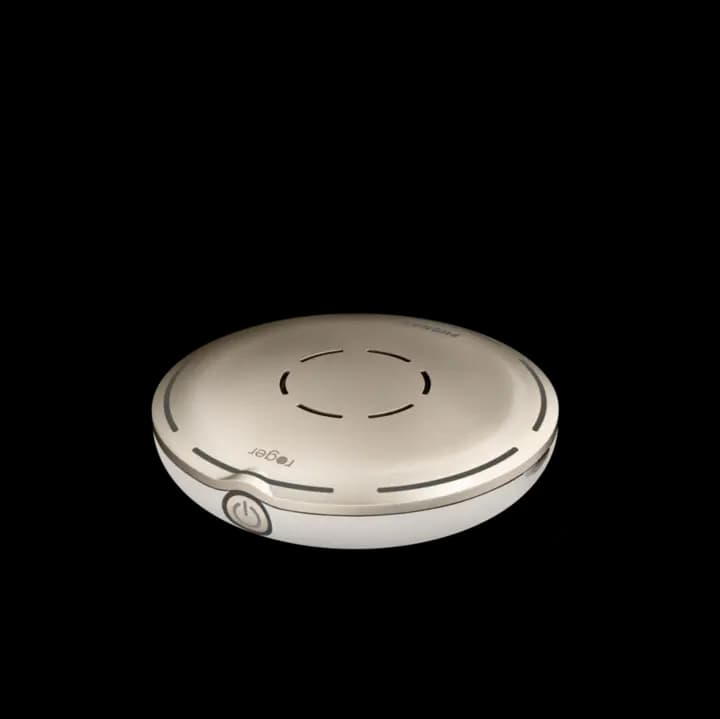
Table microphone
Charging, switching on, muting, Bluetooth, phone calls and group listening.
Open support guideEoin’s service support
Some queries can be solved over the phone. Others need a repair, an accessory, new equipment or a visit to the school. The next step stays clear.
Phone support
Eoin’s specialist phone support remains available through the day and into the evening, helping schools resolve straightforward queries without waiting for a visit.
Call 086 775 5880Repairs & accessories
The same-day service policy covers prompt repairs and accessory delivery, helping minimise equipment downtime and keep education uninterrupted.
Request urgent helpNew technology
At the Visiting Teacher’s request, new technology orders can be delivered after the application has been submitted, avoiding unnecessary administrative delay.
Ask about direct provisionDigiMaster installation
Most schools can fit a stand or wall mount themselves. Use the simple checklist and authorised Phonak video, then call Eoin if a product question comes up.
Open the wall-mount guideOfficial video library
Phonak’s Roger video library covers charging, connecting, automatic microphone behaviour, SoundField placement, compatible audio connections and more.
Open official Roger videosCouldn’t solve it?
Tell us the product, what changed, what you already tried and when someone can be beside the equipment. Please do not send a child’s name, diagnosis or other sensitive information.
Request supportNot sure what you have?
A clear photo of the equipment and any status lights usually helps identify the correct system. Keep personal or medical information out of the image.